MetaTrader 5 Trading Platform for Broker-Connected Markets

Connect a broker account to view supported markets, prices, orders and positions in MetaTrader 5.

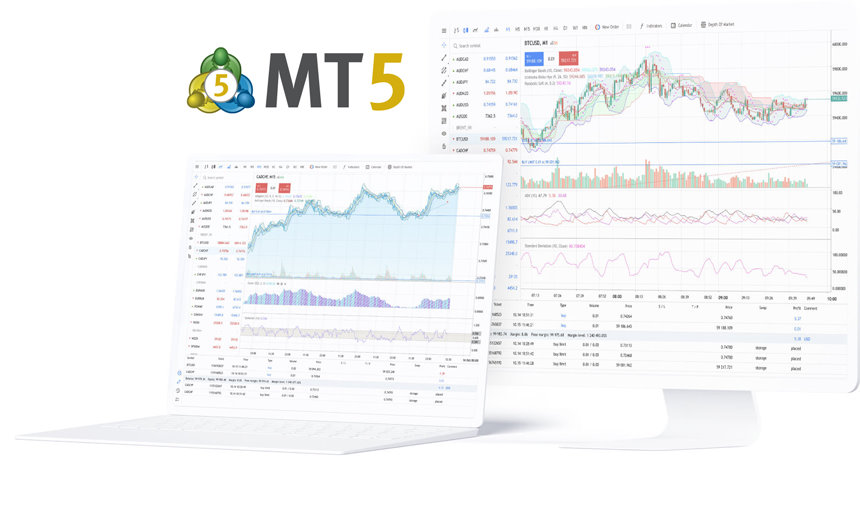
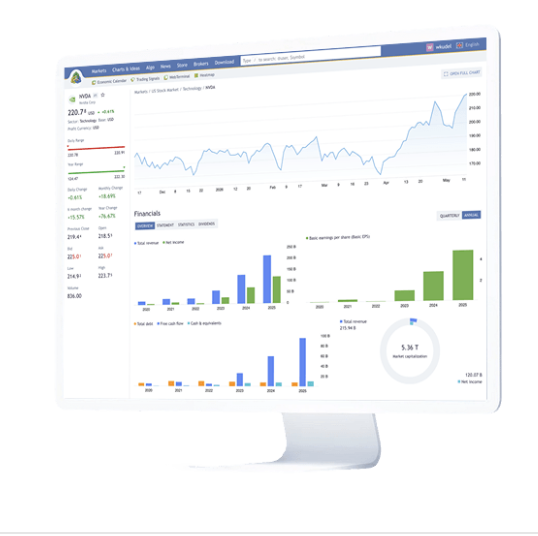
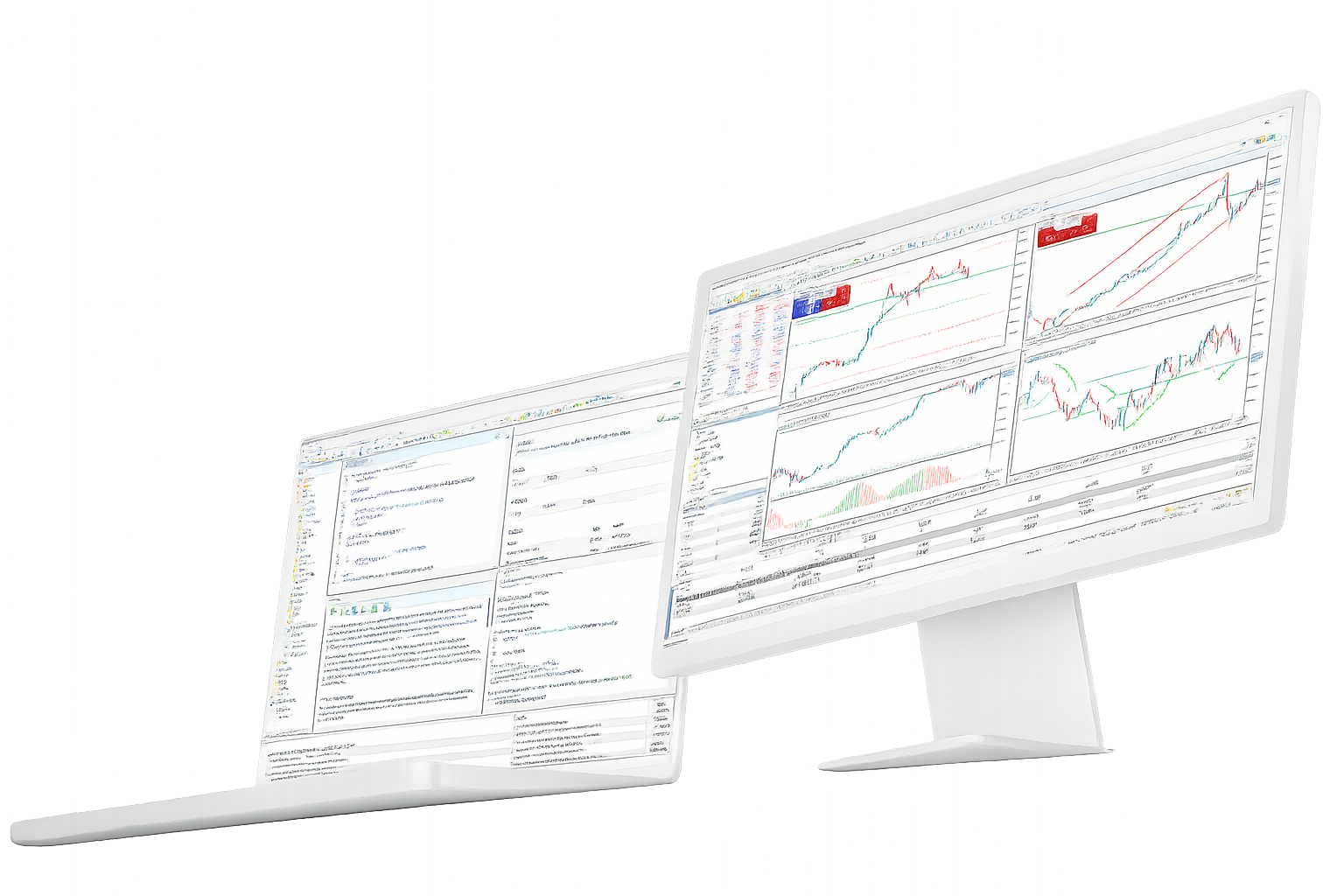
MetaTrader 5 is trading software developed by MetaQuotes. The terminal connects to a broker server, which supplies available symbols, prices, account permissions and execution conditions. The platform provides charts, Market Depth, order and position management, MQL5 applications and access through desktop, WebTerminal and mobile clients.

MetaTrader 5 Platform Components

The platform separates software functions from broker-controlled account conditions: MT5 provides the terminal and analysis tools, while the connected server defines instruments, prices, trading sessions, execution settings and permissions.

Broker-connected market access

Forex / Stocks / Futures

MetaTrader 5 can connect to broker servers that offer forex, stocks, futures, bonds, options and other instruments.
The server determines which symbols appear in Market Watch and supplies prices, contract specifications and account permissions.

MT5 is the trading platform; account opening, funding, leverage and execution conditions remain with the broker or financial institution.
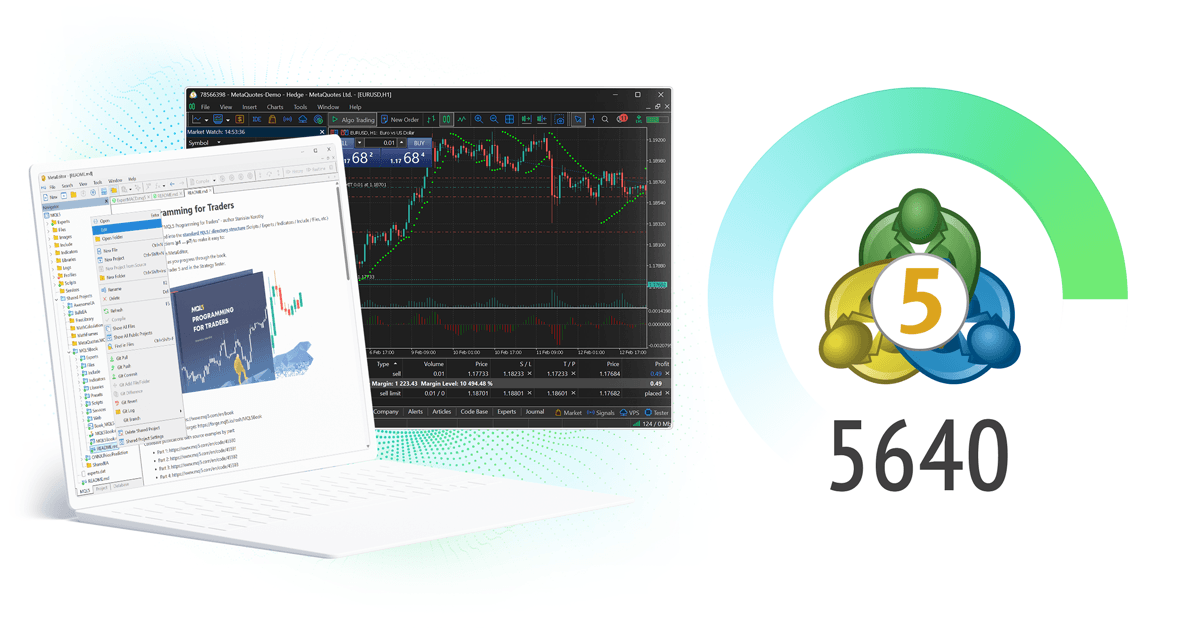
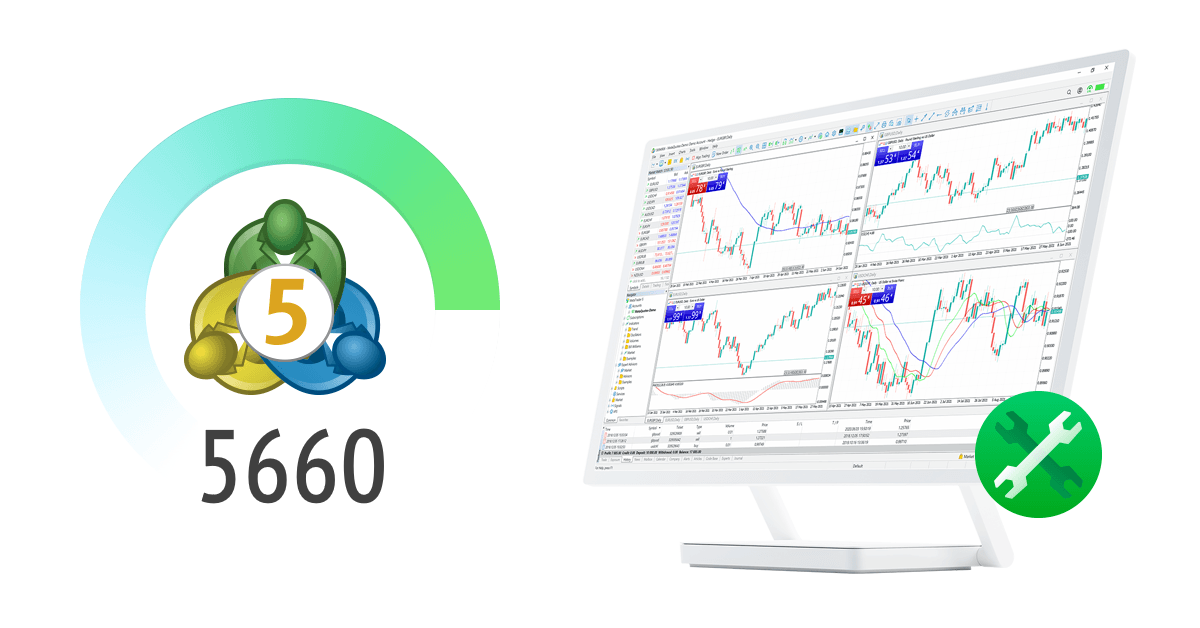
Charts, indicators and analytical objects

21 Timeframes / 38 Indicators / 44 Objects

The desktop terminal provides 21 chart timeframes, 38 built-in technical indicators and 44 analytical objects.
Charts can be combined with financial news and the Economic Calendar to compare price behavior with scheduled market events.

Custom indicators written in MQL5 can be added to the desktop analysis environment.

Orders, Market Depth and position accounting

6 Pending Orders / Netting / Hedging

The trading system supports market orders, six pending order types, Stop Loss, Take Profit and Trailing Stop.
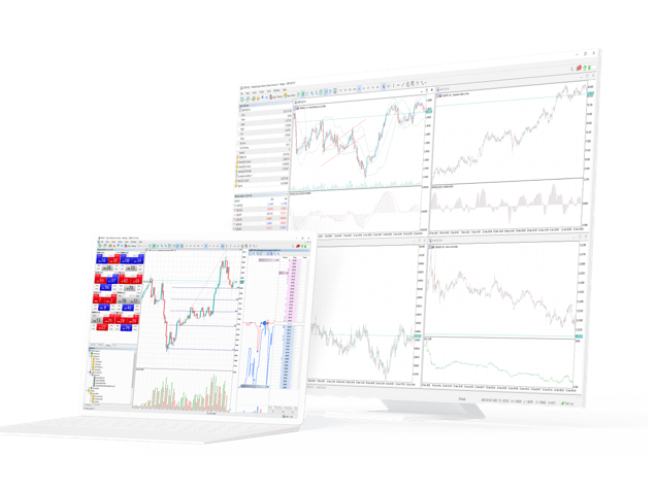
Market Depth displays bid and ask levels for instruments where depth data is supplied by the connected server and can also serve as an order-entry view.

Position accounting can use netting or hedging depending on the broker, account type and instrument settings.

Financial news and Economic Calendar

News / Economic Calendar

Financial news and the integrated Economic Calendar provide scheduled event data alongside price analysis.
Calendar entries can include release times, importance, previous values, forecasts and reported values.

These data points describe market context and do not determine or guarantee a trading outcome.

MQL5, Expert Advisors and Strategy Tester

Expert Advisors / MetaEditor / Strategy Tester

MQL5 is the programming language used for Expert Advisors, custom indicators, scripts and other MetaTrader 5 applications.
MetaEditor is used to write and debug code, while Strategy Tester handles backtesting, optimization and forward testing.

Historical test results depend on test data and settings and are separate from live execution conditions.

Desktop, WebTerminal and mobile terminals

Desktop / Web / iOS / Android

The desktop terminal includes MQL5 development, Expert Advisor execution and Strategy Tester.
WebTerminal provides browser access to broker accounts without installing the desktop application.

iPhone, iPad and Android clients provide quotes, charts, Market Depth, orders, positions and account history on mobile devices.

MetaTrader 5 and Related MetaQuotes Services

MetaTrader 5 is one part of a broader MetaQuotes product environment that includes broker infrastructure, MQL5 development resources, market-information services and analytics products.

MetaTrader 5

Broker and institutional infrastructure

  • Trading servers and multi-asset infrastructure
  • Gateways, APIs, integrations and operational tools
FINTEZA

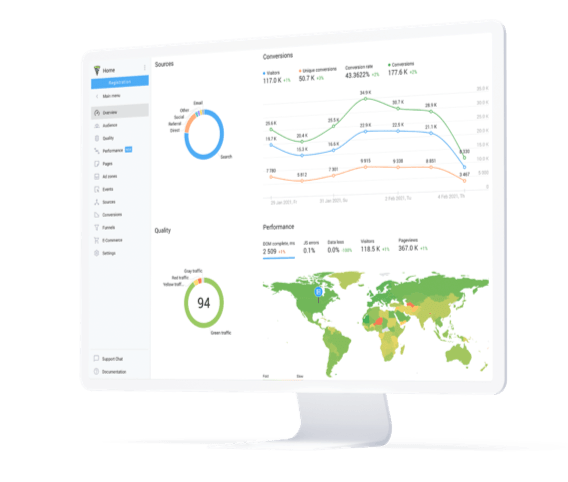
Finteza web and business analytics

  • Website and campaign analytics
  • Traffic quality and conversion measurement
  • Sales-funnel analysis
MetaTrader.com

MetaTrader.com market data and news

  • Market data and interactive charts
  • Market analysis and research content
  • Financial news and economic events
MQL5

MQL5.community development resources

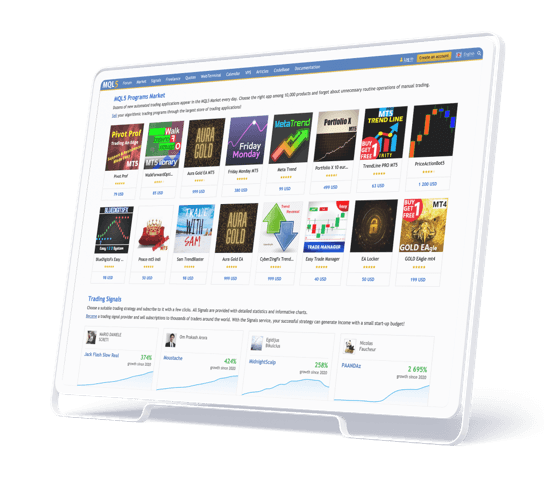
MQL5.community contains MQL5 documentation, technical articles, Code Base projects, Market applications, Signals, Freelance development services and discussion resources connected to the MetaTrader ecosystem.

MetaTrader 5 Releases and MetaQuotes Updates

This section records recent platform releases and MetaQuotes announcements related to terminal functions, broker infrastructure and product development.

MetaQuotes Money Expo Argentina 2026 update

MetaQuotes heads to Money Expo Argentina 2026

MetaQuotes announced its participation in the October 3–4 event in Buenos Aires, where it plans to present MetaTrader 5 AI, automation, liquidity and institutional technologies.

MetaTrader 5 Best All-in-One Trading Platform award

MetaTrader 5 wins Best All-in-One Trading Platform award

MetaTrader 5 received the award at The Trading Show — African Fintech Summit 2026, recognizing the breadth of its trading, analytics, automation and brokerage technology.

MetaTrader 5 capabilities at Forex Expo Dubai 2026

MetaQuotes presents new MT5 capabilities at Forex Expo Dubai

The September 22–23 event features MetaTrader 5 brokerage automation, AI-powered algorithmic tools and institutional-liquidity technology.

TrioMarkets MetaTrader 5 interview

TrioMarkets discusses scaling and AI with MetaTrader 5

A September interview with TrioMarkets focused on business growth, MetaTrader 5 infrastructure, AI-related capabilities and new opportunities for brokerage operations.

MetaTrader 5 Build 6180 AI Assistant update

MetaTrader 5 Build 6180 expands AI Assistant tools

The September 3 release added more AI Assistant actions for Strategy Tester, including access to reports and settings plus support for launching optimization workflows.

Public App Store Feedback on MetaTrader 5 Mobile

These summaries describe specific interface, charting, compatibility and order-entry comments from public App Store reviews. They reflect individual user experiences rather than platform specifications or trading results.

MetaTrader 5 App Store review by TurnTrap

TurnTrap

Making Dreams Come True | App Store

The review describes responsive operation and a broad feature set, while requesting additional chart customization and interface changes.

MetaTrader 5 App Store review by qanisi

qanisi

Improvement and Attraction | App Store

The reviewer compares mobile chart marking with dedicated charting software and requests more drawing controls and replay-related tools.

MetaTrader 5 App Store review by MrAsGun

MrAsGun

Reliable & Powerful Trading Platform | App Store

The review mentions performance, stability, technical-analysis tools, chart customization and mobile account access as positive parts of the app experience.

MetaTrader 5 App Store review by Kesa hm

Kesa hm

Great app but slight problem | App Store

The reviewer reports a device-compatibility limitation because an older iPad cannot run the iOS version required by the current app.

MetaTrader 5 App Store review by Kamilas.P

Kamilas.P

About the app | App Store

The review describes a generally smooth experience but asks for simpler initial setup and easier reuse of chart settings across symbols.

MetaTrader 5 App Store review by DhaniAA

DhaniAA

SL & TP | App Store

The reviewer requests additional order-ticket information when setting Stop Loss and Take Profit before submitting a trade.

MetaTrader 5 Platform FAQ

Definitions and platform boundaries covering MetaQuotes, broker servers, supported market types, automated trading and terminal availability.

What is MetaTrader 5?
MetaTrader 5 is trading software developed by MetaQuotes. It connects to broker servers and provides charts, Market Depth, order and position management, market analysis, MQL5 applications and multiple terminal types.
Who develops MetaTrader 5?
MetaTrader 5 is developed by MetaQuotes. MetaQuotes develops the platform, MQL5 tools and related broker technology, while trading accounts and account conditions are supplied by brokers or financial institutions.
Which markets can MetaTrader 5 support?
MT5 can support forex, stocks, futures, bonds, options and other instruments. The exact symbols visible in the terminal depend on the connected broker server and account permissions.
Why is MetaTrader 5 called a multi-asset platform?
The platform can connect to different asset classes and account models through broker servers instead of being restricted to one market type. Actual availability still depends on the connected account.
Does MetaTrader 5 support automated trading?
Yes. The desktop terminal includes MQL5, MetaEditor and Strategy Tester for creating, debugging, testing, optimizing and running Expert Advisors, custom indicators and scripts.

How MetaTrader 5 Functions Are Distributed

MetaTrader 5 functions are distributed across desktop, browser and mobile terminals. Some capabilities, such as MQL5 development and Strategy Tester, remain desktop-specific.

Desktop includes the full development and testing environment; WebTerminal and mobile apps provide account access, charts and trade management without the complete desktop toolset.
Multi-asset order execution workflow icon

Market data, charts and orders

Charts, Market Depth and orders

Market Watch, charts, Market Depth and order controls use data and permissions supplied by the connected broker account.

Desktop / Web
Technical and fundamental market analysis workflow icon

Technical and event data

Charts, indicators and economic events

Price charts, technical indicators, graphical objects, financial news and the Economic Calendar provide different forms of market information inside the platform.

Desktop-first
MQL5 Expert Advisor development workflow icon

MQL5 applications and testing

Expert Advisors and Strategy Tester

MetaEditor is used to create MQL5 applications, while Strategy Tester evaluates Expert Advisors with backtesting, optimization and forward testing.

Desktop / VPS
Cross-device MetaTrader 5 account access workflow icon

Broker account access across terminals

Desktop, WebTerminal and mobile

A broker account can be accessed from desktop, WebTerminal or supported mobile apps when the same server and login credentials are available.

Desktop / Web / Mobile

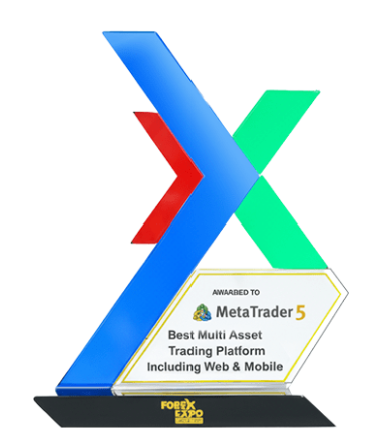
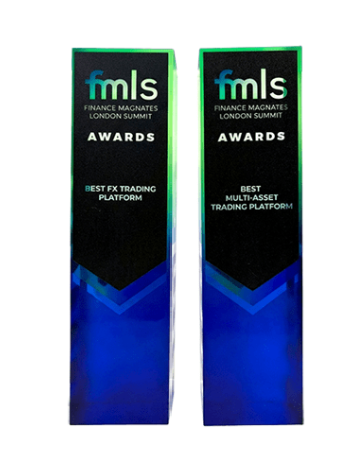
MetaTrader 5 Awards and Product Recognition

The records below refer to product and technology awards. They do not describe account performance, investment returns or trading outcomes.

MetaQuotes

Best Multi-Asset Trading Platform

Money Expo Mexico 2026

MetaTrader 5 Best Multi-Asset Trading Platform award
MetaTrader 5

Best All-in-One Trading Platform

African Fintech Summit 2026

MetaTrader 5 Best All-in-One Trading Platform award
GET METATRADER 5

MetaTrader 5 Terminal Options

The download page lists desktop, browser and mobile options and explains installation, terminal differences and broker-account login requirements.

MetaTrader 5 Trading Platform, Market Depth and MQL5